⚡ For Architects & Interior Designers
Stop Spending 60-Hour
Weeks On Tasks AI
Can Do In Minutes.
The complete AI implementation system built specifically for architects and designers. No technical background. No jargon. Just results.
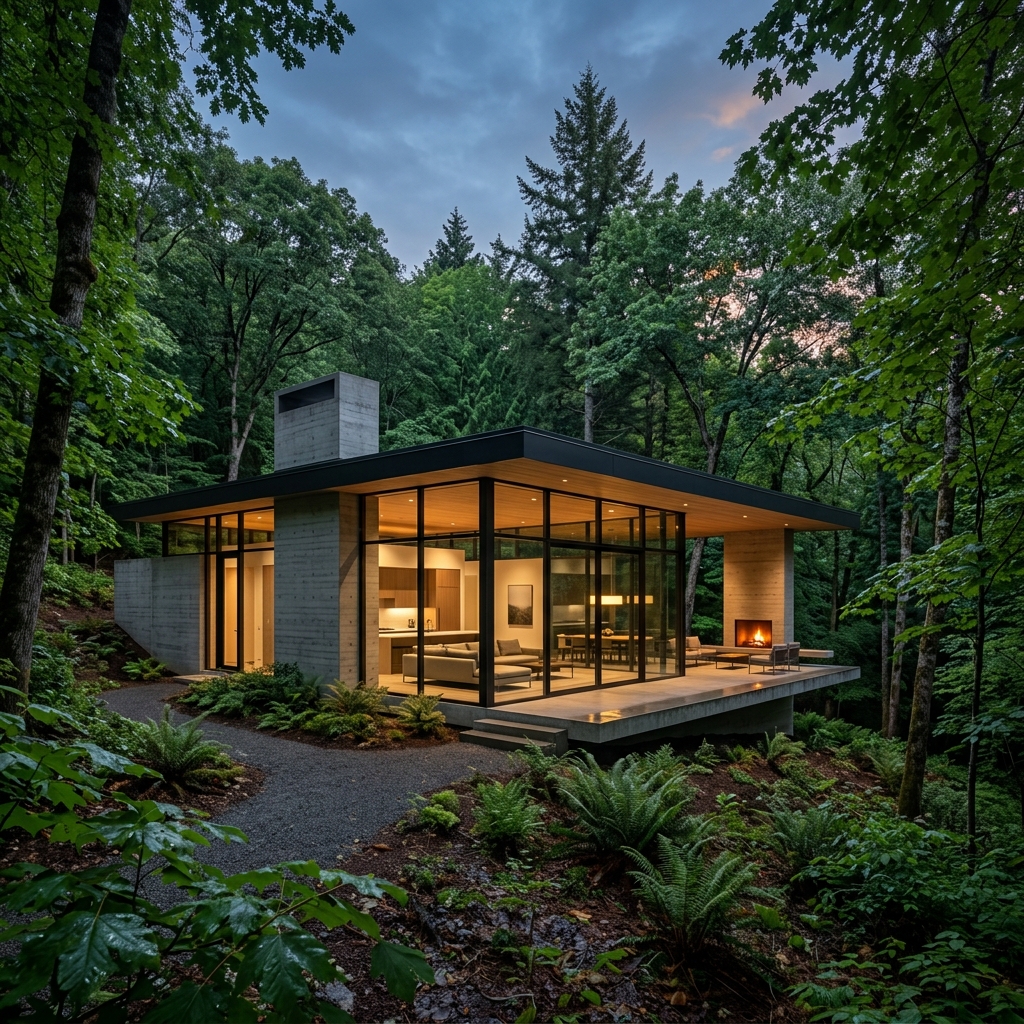
Join 2,000+ architects & designers
Techniques used by architects at top firms & universities
See The Workflow In Action
From raw concept to photorealistic render in minutes, not days.
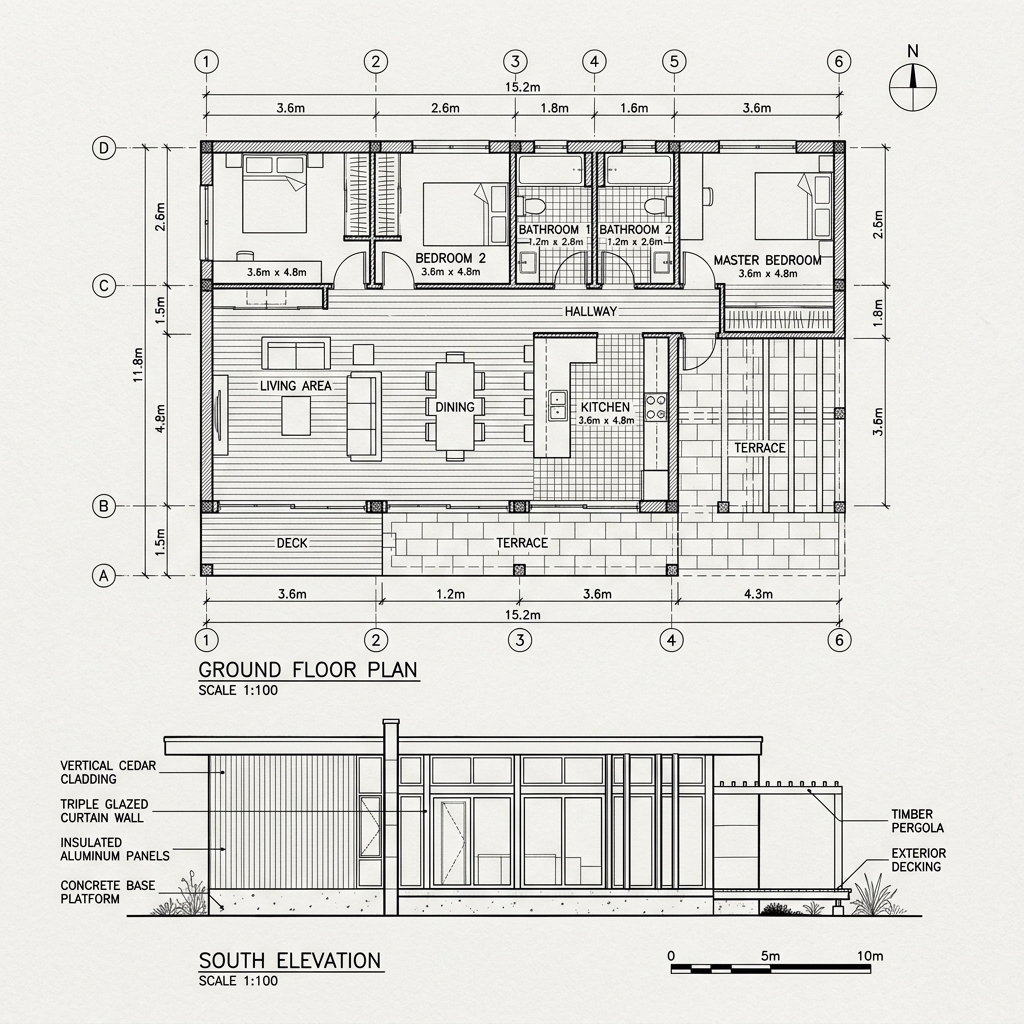
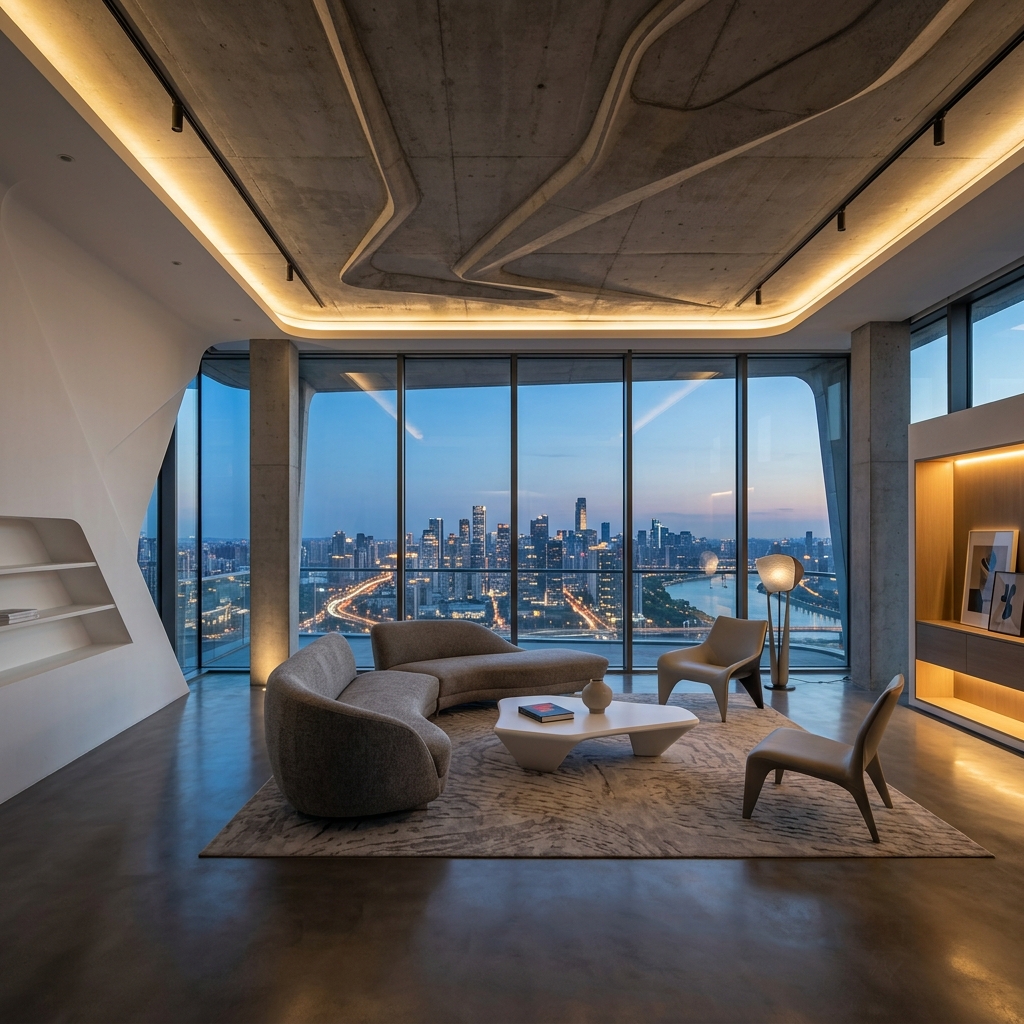

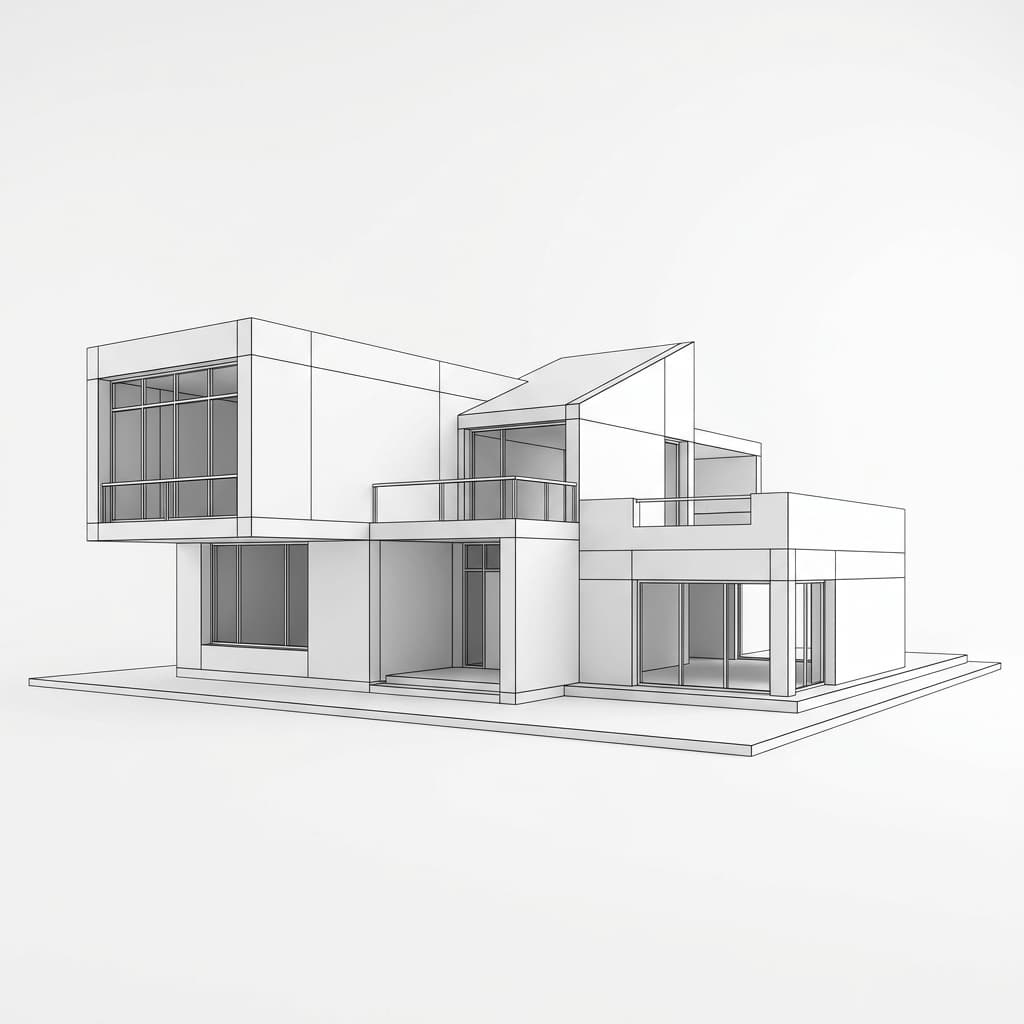
Drag To Reveal The AI Transformation
From basic SketchUp massing to a high-end presentation render in seconds.

AI is transforming the way architects research, design, communicate, and deliver projects.
The question is no longer if AI will become part of architecture.
The question is whether you'll learn how to use it before everyone else does.
The AI Architecture Revolution gives you a clear, practical roadmap for integrating AI into your workflow — even if you're starting from zero.
- ✓ No technical background required.
- ✓ No confusing jargon.
- ✓ No endless YouTube tutorials.
Just a step-by-step system built specifically for architects and designers.
AI Is Moving Fast. Most Architects Don't Know Where To Start.
Every week there's a new AI tool. New updates. New workflows. New opportunities.
And most architects are stuck asking:
- "Which tools actually matter?"
- "How do I use AI in real projects?"
- "Where should I even start?"
- "What skills will I need in the future?"
The Result?
Many architects know AI is important but never actually implement it. Meanwhile, others are gaining a real competitive advantage every single month.
Everything Inside The AI Architecture Revolution

1. Don't Get Left Behind
Understand how AI is reshaping architecture—before your competitors do.
- ✓ Understand how AI is changing architecture
- ✓ Learn the skills modern architects need
- ✓ Stay competitive in a rapidly evolving industry
- ✓ Position yourself for the future of design

2. Start Using AI With Confidence
A clear, beginner-friendly roadmap from zero to using AI on real projects.
- ✓ No technical or AI experience required
- ✓ Follow a clear step-by-step roadmap
- ✓ Learn only the tools that actually matter
- ✓ Avoid months of confusion and trial & error
3. Apply AI To Real Projects
Practical AI workflows for every stage of real architectural practice.
- ✓ Accelerate project research
- ✓ Generate concepts and design ideas faster
- ✓ Improve presentations and client communication
- ✓ Streamline documentation and repetitive tasks

4. Gain A Competitive Advantage
Use AI as your edge while others are still figuring out where to start.
- ✓ Work more efficiently on every project
- ✓ Deliver faster without sacrificing quality
- ✓ Respond to clients and opportunities quicker
- ✓ Stay ahead while others struggle to adapt


⚡ One system. Everything you need. Lifetime access.
🔥 Get Lifetime Access!Every Architect Knows This Feeling...
Drowning in AI noise
New tools every week. No idea which ones actually matter for architectural practice.
Stuck watching tutorials
Hours of generic content that never shows how AI applies to real architectural projects.
Falling behind fast
Competitors are already using AI to win more clients, deliver faster, and charge higher fees.
The AI Architecture Revolution gives you a clear, practical roadmap to start using AI on real architectural projects — this week, with zero technical experience.
Who is AI Architecture Revolution For?
Whether you're just starting or running a team, this toolkit is built to fit your workflow.
The Ambitious Student
Nail your architecture or interior design submissions. Finish studio projects faster and impress professors without the burnout.
The Freelance Architect & Designer
Win more clients with stunning proposals. Deliver high-quality work in a fraction of the time and increase your project profitability.
The Small Studio Owner
Standardize your team's output, speed up your design and visualization process, and onboard new hires faster with a ready-to-use asset library.
Build Your Ultimate Architecture Toolkit
Everything you need to execute your AI-generated concepts instantly.
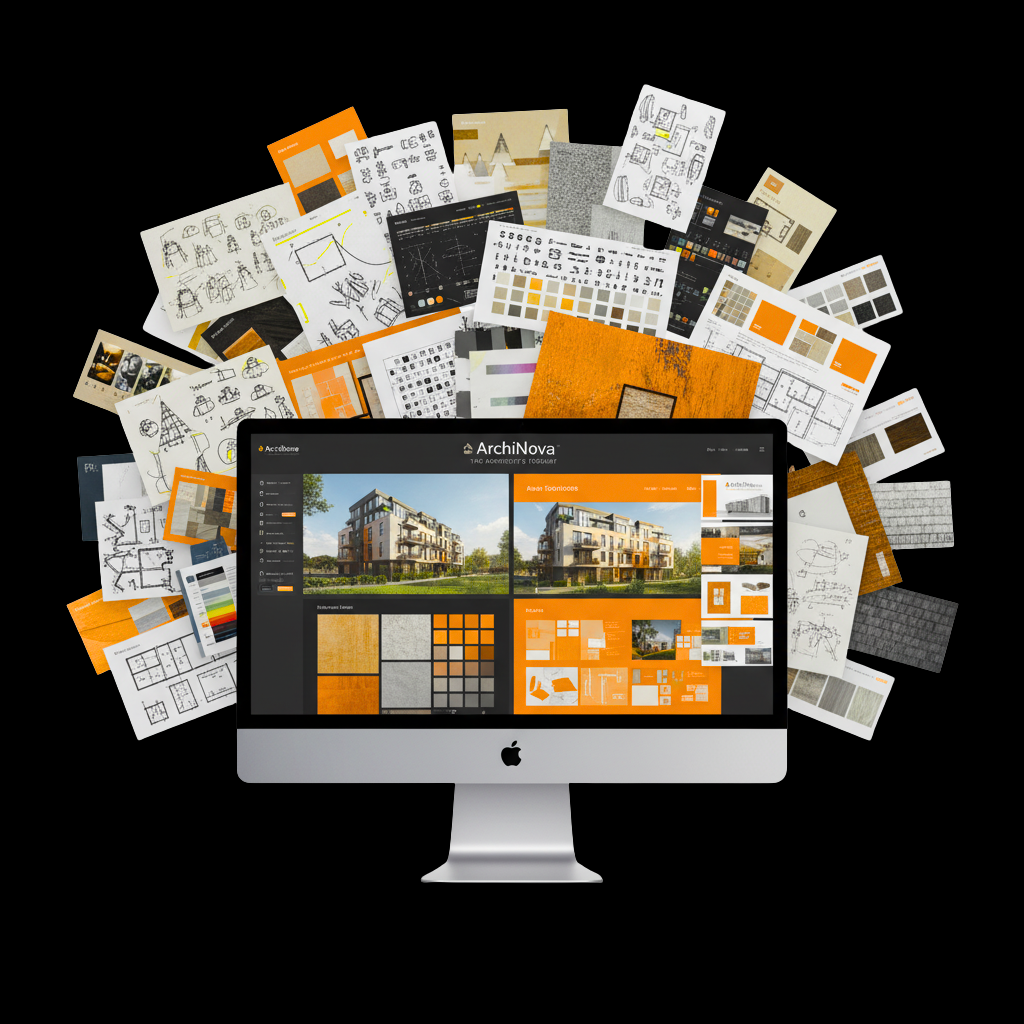
Alongside the AI Architecture Revolution, you'll receive the ArchiNova Resource Library—a complete collection of professional architecture assets used by architects and designers worldwide.
- ✓ CAD Blocks & Revit Families
- ✓ Presentation Boards
- ✓ Portfolio Templates
- ✓ Textures & Materials
- ✓ Cutout Assets
- ✓ Visualization Resources
- ✓ Client Proposal Templates
- ✓ Time-Saving Design Resources
Stop searching across dozens of websites. Get everything in one place.
Included Free With Your Enrollment.

A Note From the Founder
“I spent years in architecture school and my early career feeling overwhelmed, spending countless nights searching for the right assets. I created AI Architecture Revolution to be the toolkit I wish I had—everything you need, perfectly organized, so you can focus on what truly matters: designing.”
— Leila Farouk, Founder of AI Architecture Revolution
Your Roadmap to AI-Powered Architecture
A clear, practical path from total beginner to confidently using AI in real projects.
Access The System
Instantly download the complete AI Architecture Revolution framework and toolkit.
Copy-Paste The Prompts
Use our proven prompt library to generate instant architectural concepts and plans.
Automate Tedious Tasks
Deploy your virtual AI assistants to handle code review, zoning, and client emails.
Deliver Faster & Win More
Drastically cut your project hours while delivering higher quality work to clients.
Don’t just take our word for it.
Here’s what students, freelancers, and studio owners think after using AI Architecture Revolution:
“I was convinced AI would just generate generic, unusable blobs. This framework proved me wrong. We now use the custom prompts for early-stage massing and client conceptualization. It cuts our early schematic design phase by at least a week.”
“As a one-man studio, I don't have the budget to hire a full-time renderer or copywriter. The AI workflow guide basically gave me a virtual team. The client email templates alone have saved me hours of drafting.”
“The zoning and code review prompt structures are a game-changer. What used to take me 4 hours of digging through municipal codes now takes about 15 minutes of verifying the AI's output. Highly recommend.”
“I've been rendering for 10 years and was worried AI would replace me. Instead, this system showed me how to use it to 10x my output. I go from rough SketchUp models to photorealism so much faster now.”
“It's rare to find a course that skips the tech jargon. This gave my entire team a standardized way to use AI without needing to understand the underlying code. We use it daily.”
“The ROI on this is ridiculous. I used the presentation board workflow for a pitch last week and won the project. The clients thought I spent weeks on the visualizations.”
Join a Thriving Community of Designers
When you get AI Architecture Revolution, you're not just getting files. You're joining over 2,000+ architects and designers upgrading their workflows.
Worldwide Network
Join architects and designers from over 40 countries who are already using AI to transform their practice.
Level Up Together
See how other architects are using AI to win better projects, deliver faster, and charge higher fees.
Free Future Updates
AI is evolving fast. We keep this system updated with new tools and workflows, free for all members.
What happens if you don't take action?
You can keep doing things the hard way, or you can join thousands of designers working smarter.
Without AI Architecture Revolution
- Wasting hours every week watching YouTube tutorials that never apply to real architectural practice.
- Feeling left behind while competitors use AI to deliver faster, win more projects, and charge higher fees.
- Delivering inconsistent, amateur-looking presentation boards that fail to wow clients or professors.
With AI Architecture Revolution
- Having a massive, organized library instantly available directly inside your design software.
- Winning your time back to focus on actual design, conceptualization, and getting plenty of sleep.
- Presenting stunning, studio-level renders, sections, and portfolios that command higher fees.
Get Instant, Lifetime Access to AI Architecture Revolution
Join today and get the complete toolkit, all future updates, and limited-time bonuses — for a single, one-time payment.
Special Offer — limited time
Buy It Now →
100% Money-Back Guarantee
We're so confident you'll love AI Architecture Revolution that we offer a full 14-day money-back guarantee. If it doesn't save you time and improve your workflow, we'll refund every penny — no questions asked.
Still Have Questions? We’ve Got Answers.
Still deciding?
Join architects and designers who upgraded their workflow with AI Architecture Revolution — download and start using it today.
✨ Grab Yours Now!100% Secure Payment
Your payment information is encrypted and secure. We use industry-leading payment processors to ensure your data is protected with bank-level security.